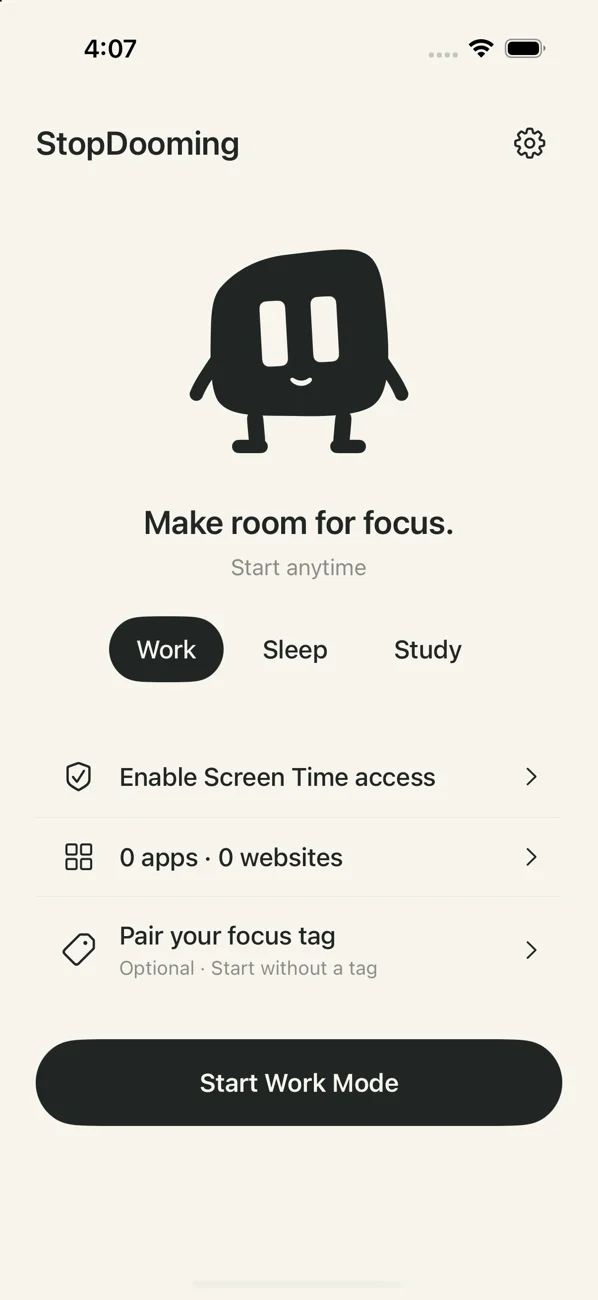
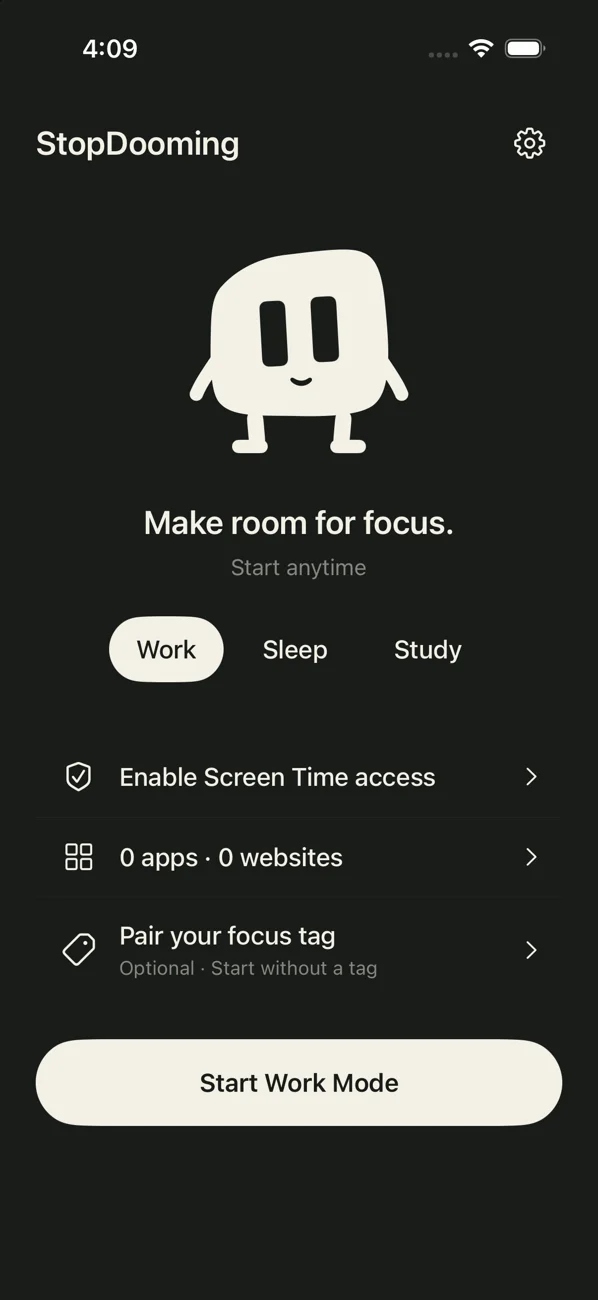
Less scrolling.
More living.
Pause the apps you choose.
Make room for what matters.
Coming to iPhone.
A little space for every part of your day.
Choose what to pause. Start a session. Get back to what matters.
Choose your distractions
Select the apps and websites you want to pause.
Start a session or set a schedule
Start now, or plan a routine that fits your day.
Return on your terms
End your session in the app, or scan an optional paired focus key.
Choose what to block
Select individual apps and websites in the Screen Time picker.
Your focus.
Add a little distance.
A compatible NFC sticker adds a physical step to ending a session. The app also works without one.
How the focus key works

Your focus is personal.
No account. Settings and session history stay on your device.
Read the privacy policyCommon
questions.
Do I need a focus key?
No. Manual sessions and schedules work without one. A compatible writable NFC sticker adds an optional physical way to end a session.
What can StopDooming pause?
Individual apps and websites you choose in Apple's Screen Time picker. Website coverage depends on Screen Time support and your browser. Work, Study and Sleep can each have their own selections.
Can I end a session early?
Yes. Scan a paired focus key in the app, confirm Force out to end immediately, or start a cancellable 15-minute recovery countdown. You remain in control.
Can I schedule sessions?
Yes. Choose weekdays and a time window, including overnight schedules. iOS can delay Screen Time callbacks, so exact start and end times are not guaranteed.
Is the app available yet?
Not on the App Store yet. Device testing and release approvals are in progress. We'll add the verified download link here when it launches.